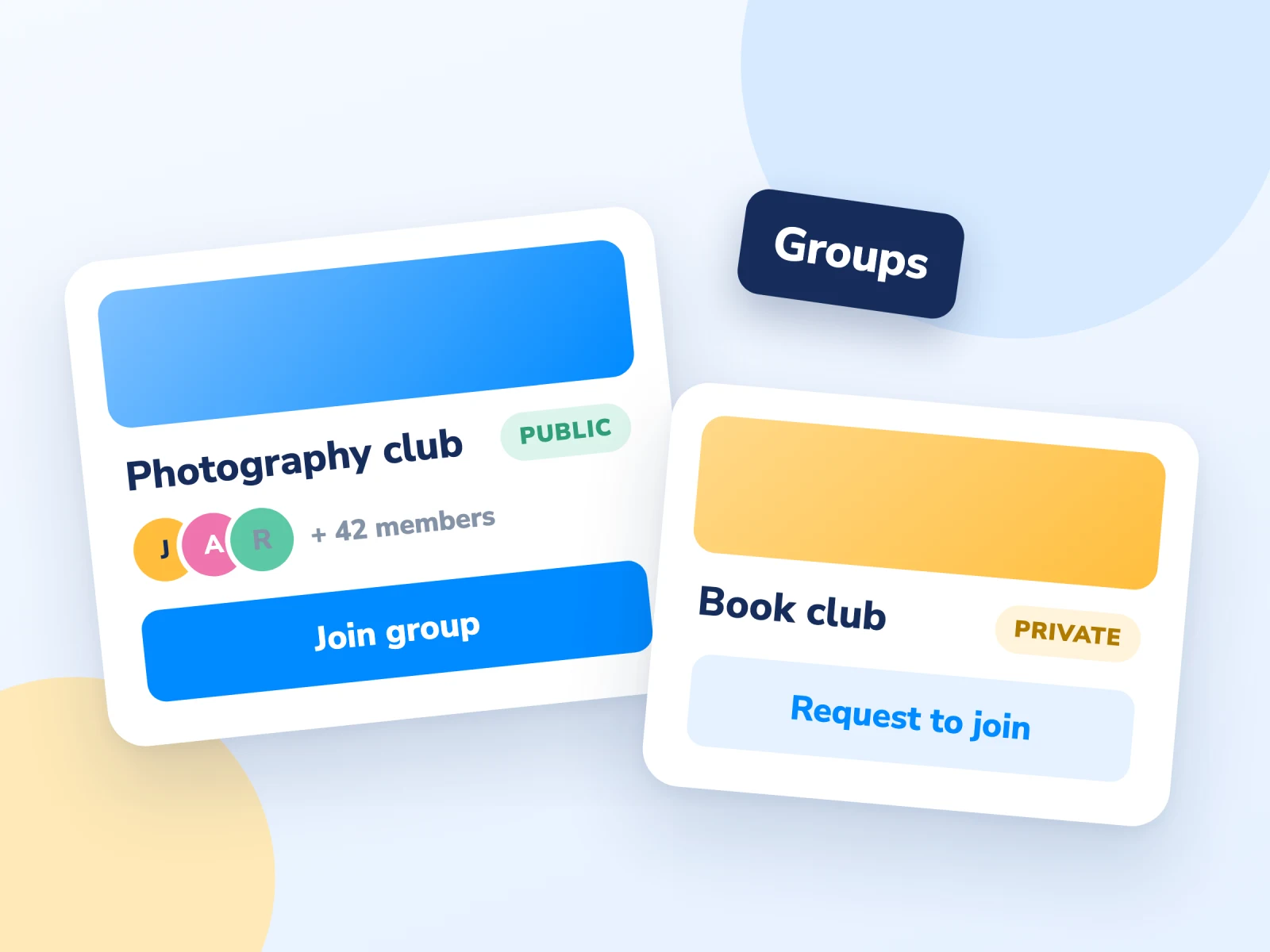

Give your users the ability to create and join groups
Let members create and join groups, keep some groups invitation-only, and restrict content to the people in them.
Let members create and join groups, keep some groups invitation-only, and restrict content to the people in them.
Allow users to create groups from the front end of your site.
Anyone can join public groups. Private groups need a moderator's approval, and hidden groups are by invitation only.
Display all the groups with the groups directory and show a user's groups on their profile.
Buy the Groups addon, or get it as part of an addon bundle
1 year of support and updates for 10 websites
Get 10 Sites1 year of support and updates for 5 websites
Get 2 - 5 Sites1 year of support and updates for 1 website
Get Single SiteLifetime updates and 1 year of support for 10 websites
Get 10 SitesLifetime updates and 1 year of support for 5 websites
Get 2 - 5 SitesLifetime updates and 1 year of support for 1 website
Get Single Site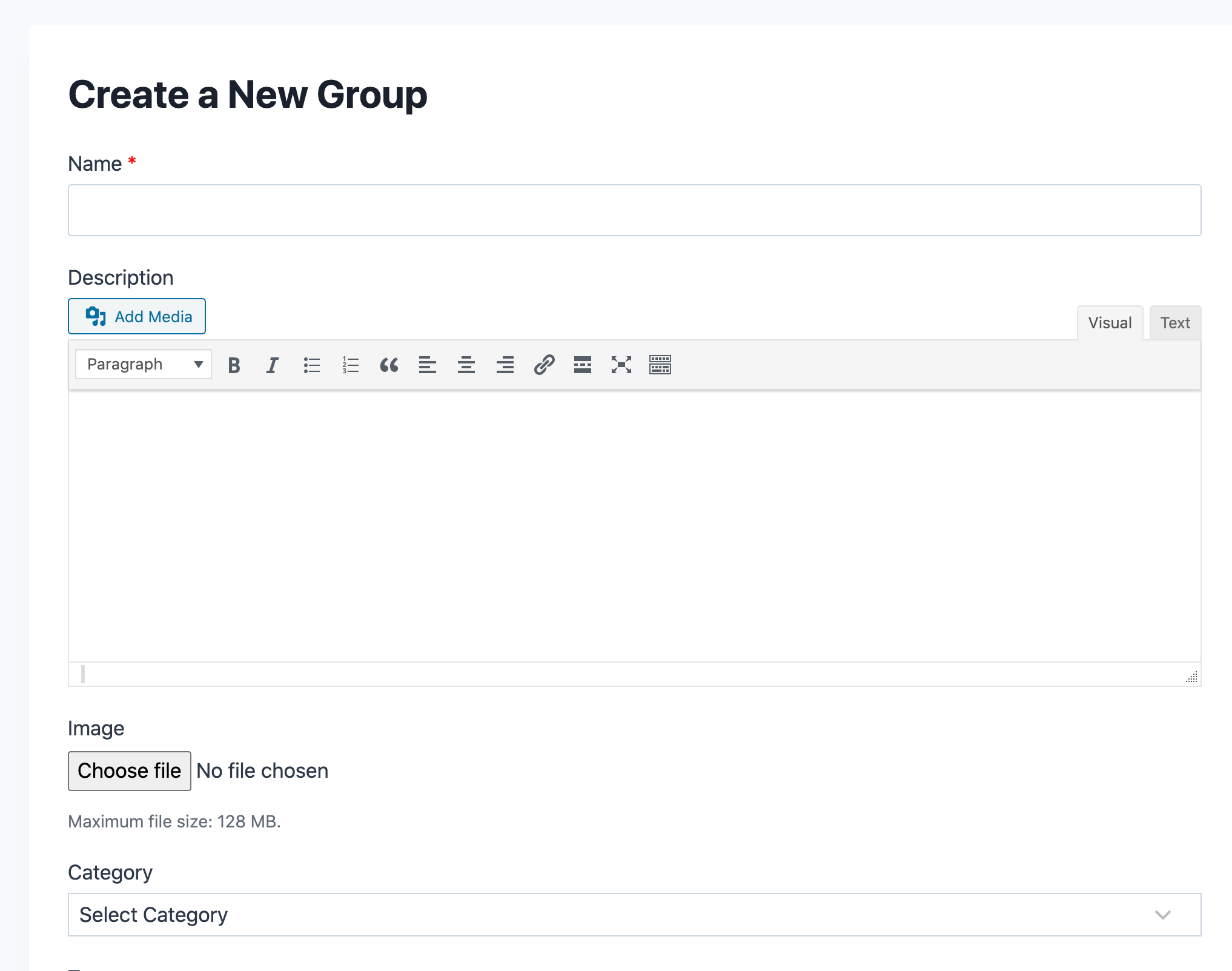
Allow your members to create groups from the frontend of the site
Users can enter the title, group content using the WYSIWYG editor, upload an image, and select a category and tags.
Choose who can see and join the group: public, private or hidden.
Get to know what the Groups addon has to offer.
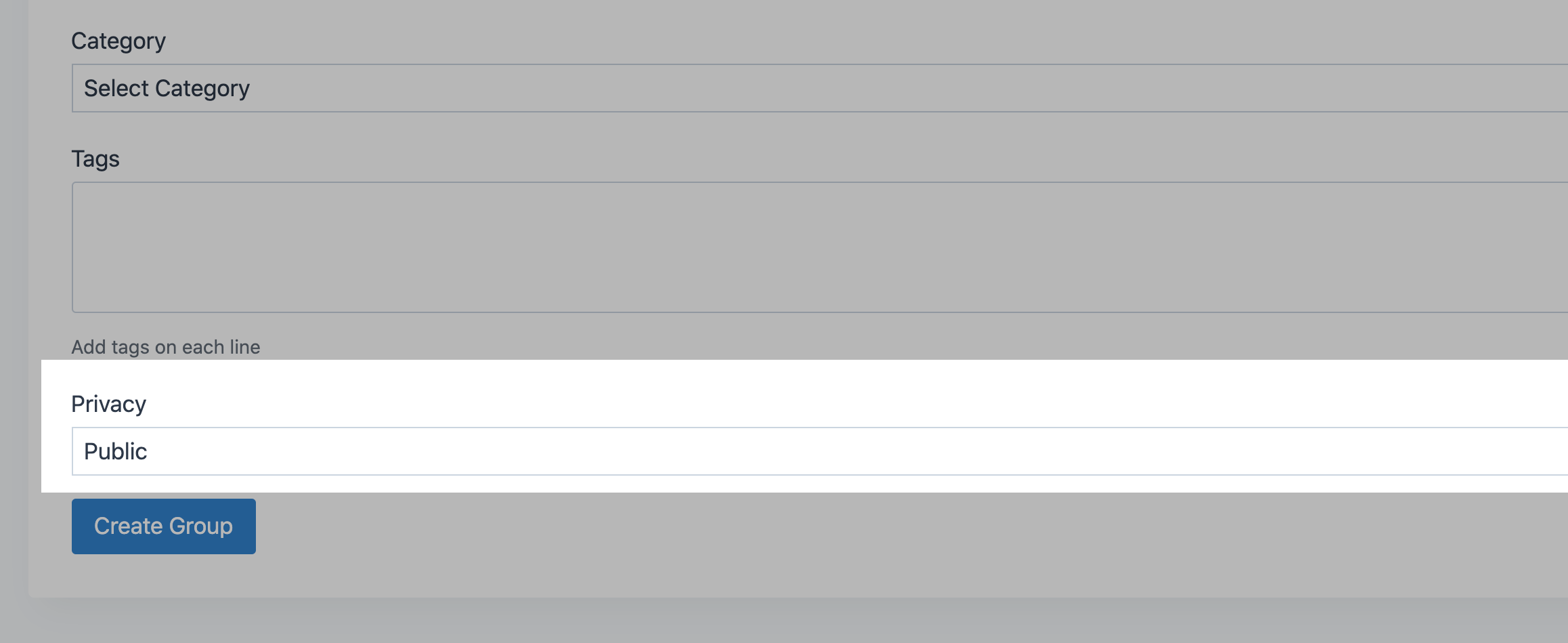
Groups can be created by users of a specific role from the site frontend or by site admins in the admin dashboard.
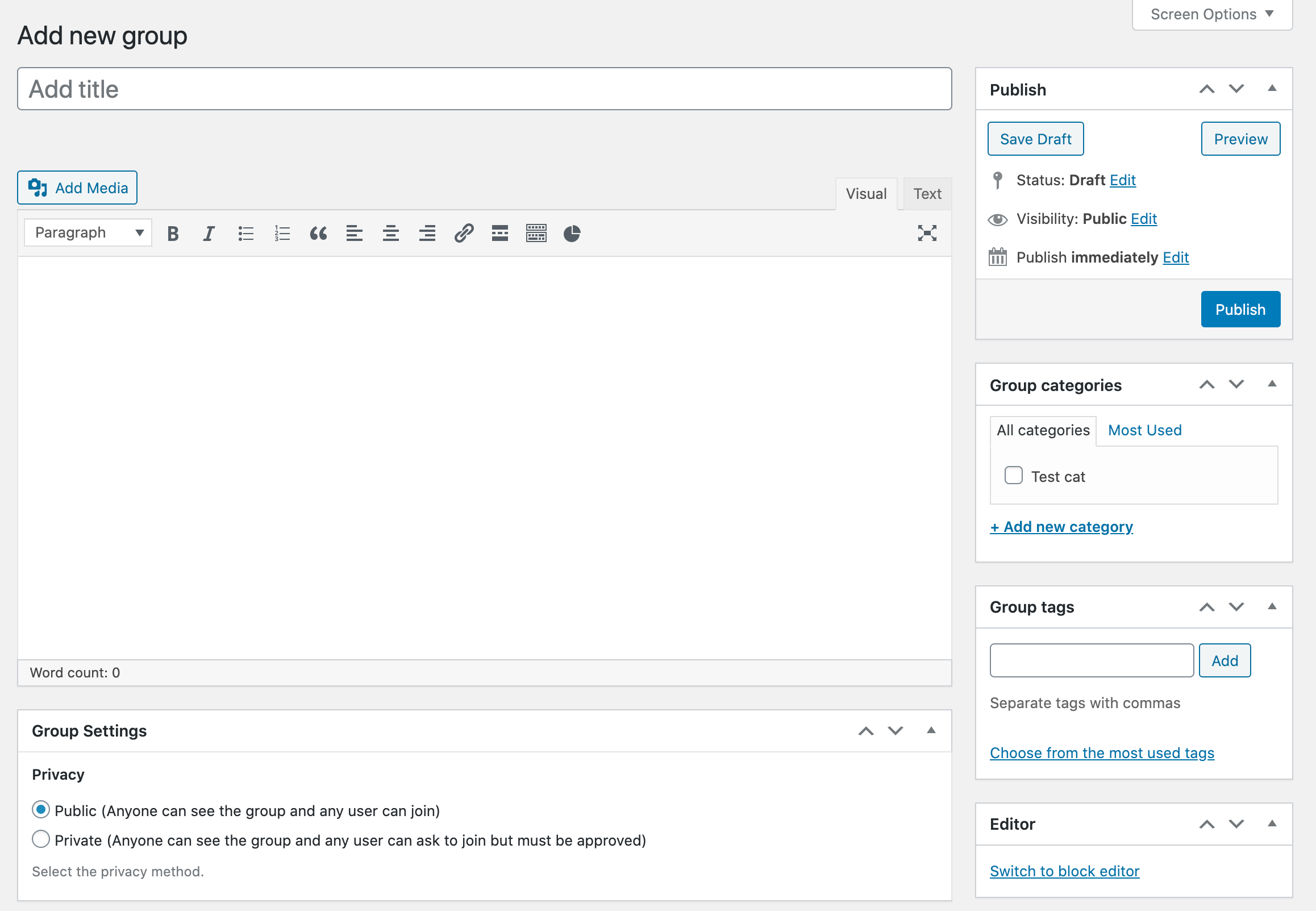
Public groups are open to everyone. Private groups are visible to all, but new members need a moderator's approval. Hidden groups are only visible to their members.
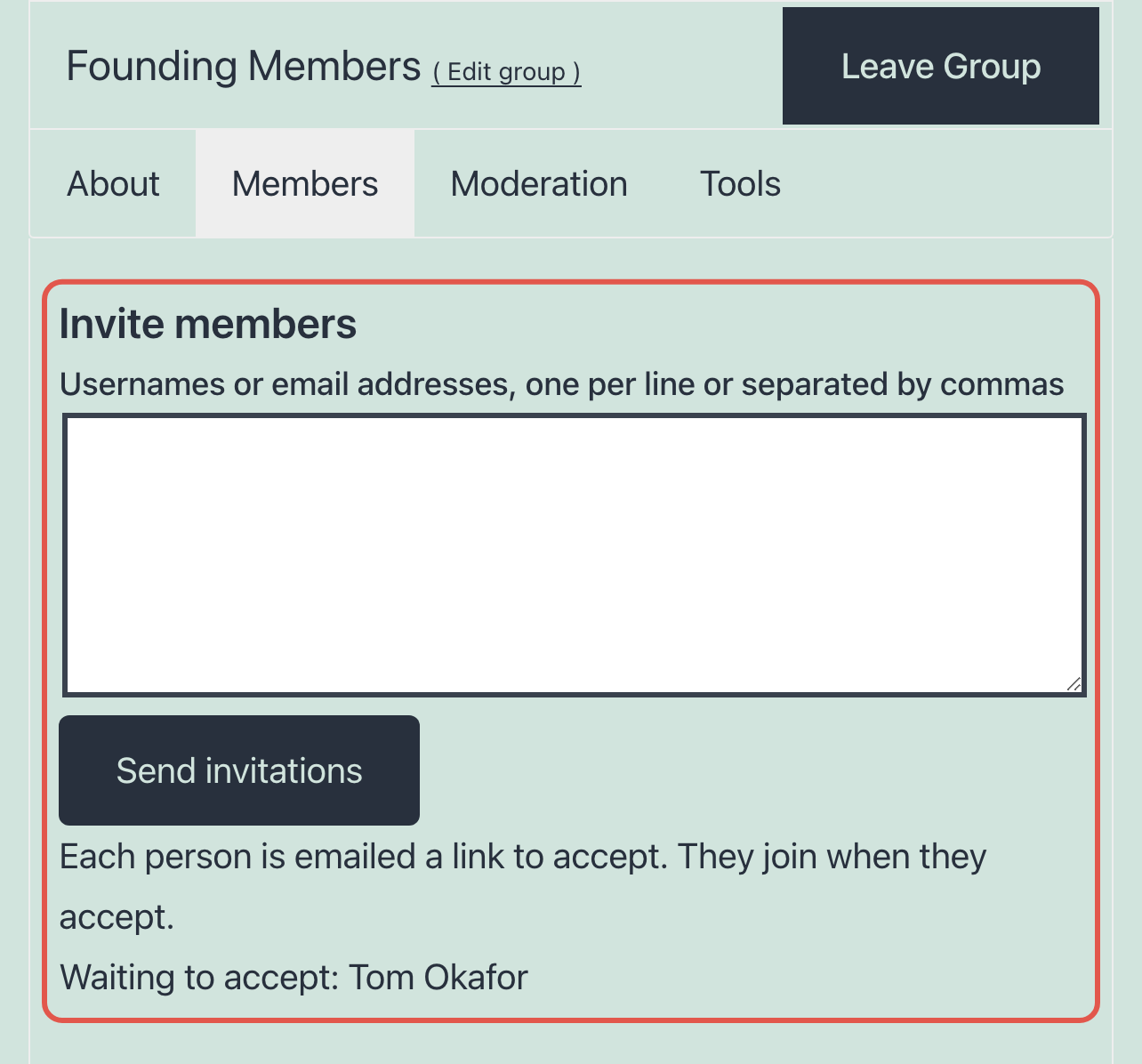
Invite people to a group by username or email. They get an email with a link and join when they accept. Group admins can invite to hidden groups from the group page, and site admins from the dashboard.
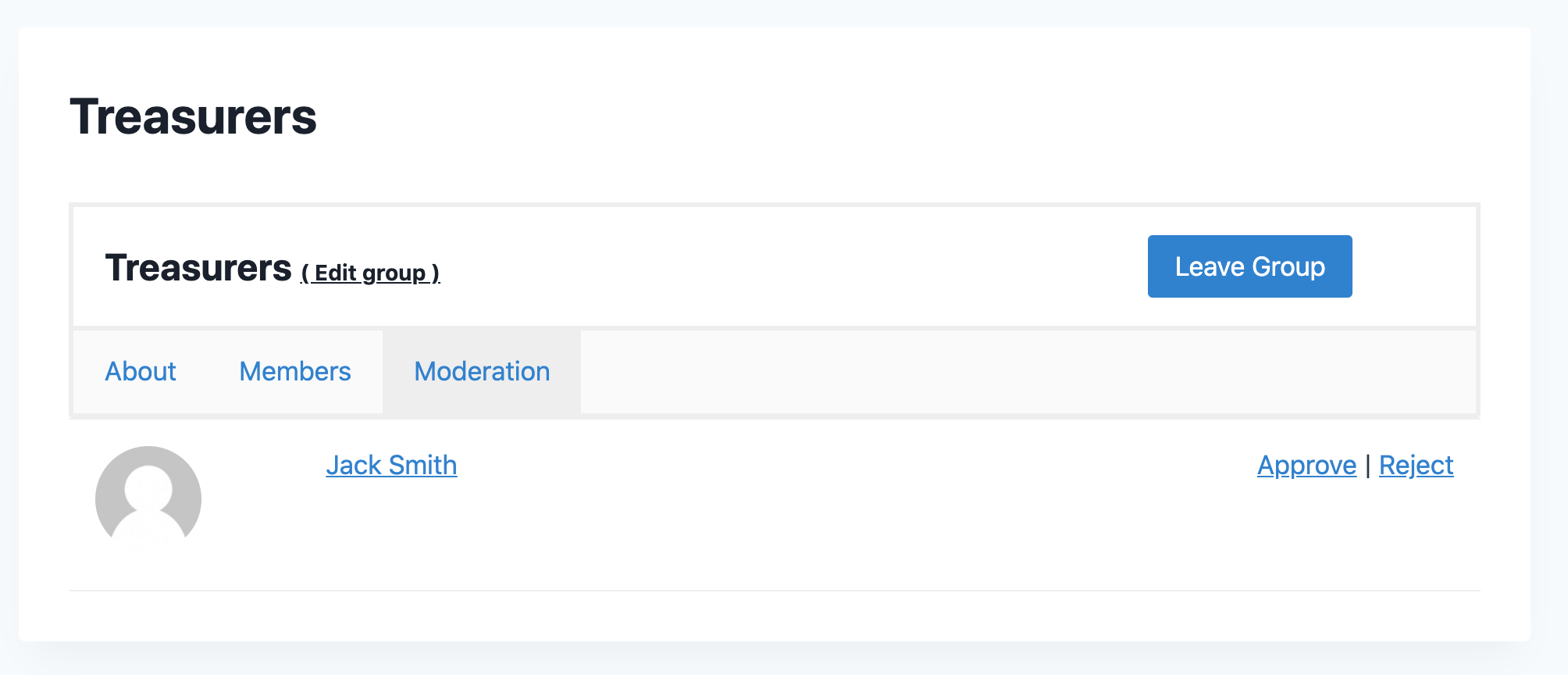
Group moderators and admins approve or reject requests to join private groups, from the group page or the dashboard.
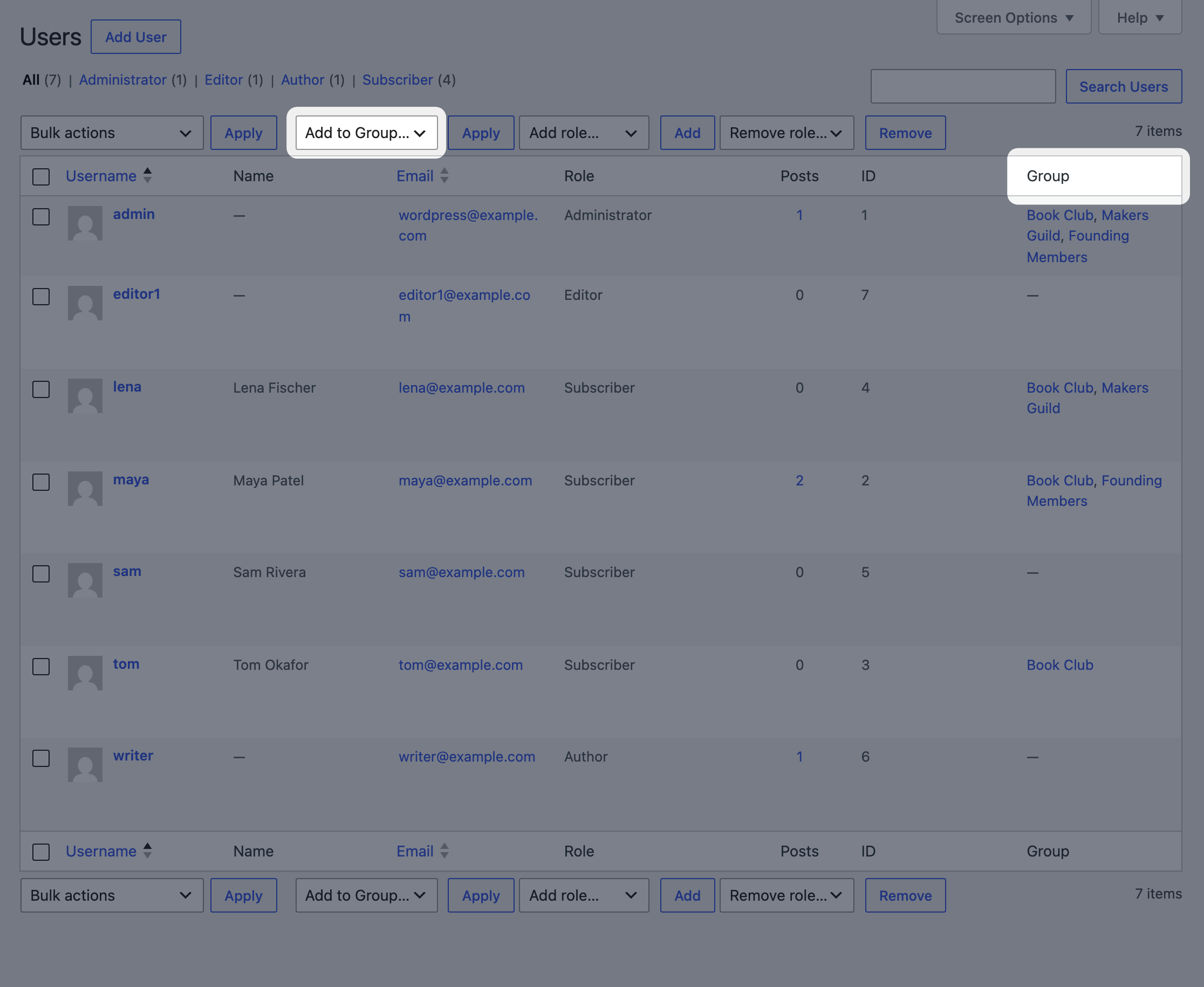
Add members in bulk from the Users screen, change a member's group role, remove members, and export a group's members as a CSV file.
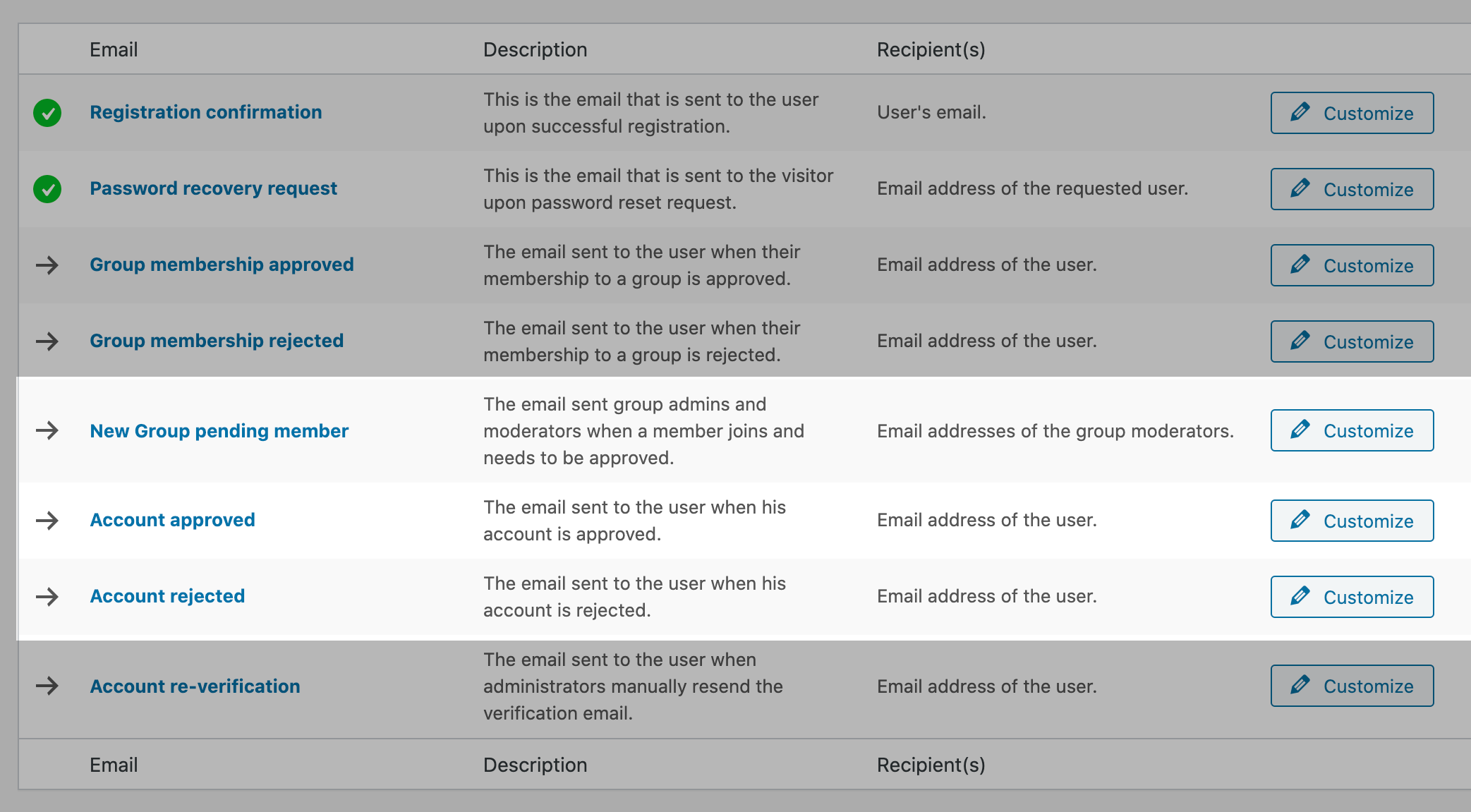
Customize the emails sent when someone asks to join a private group, is approved or rejected, or is invited.
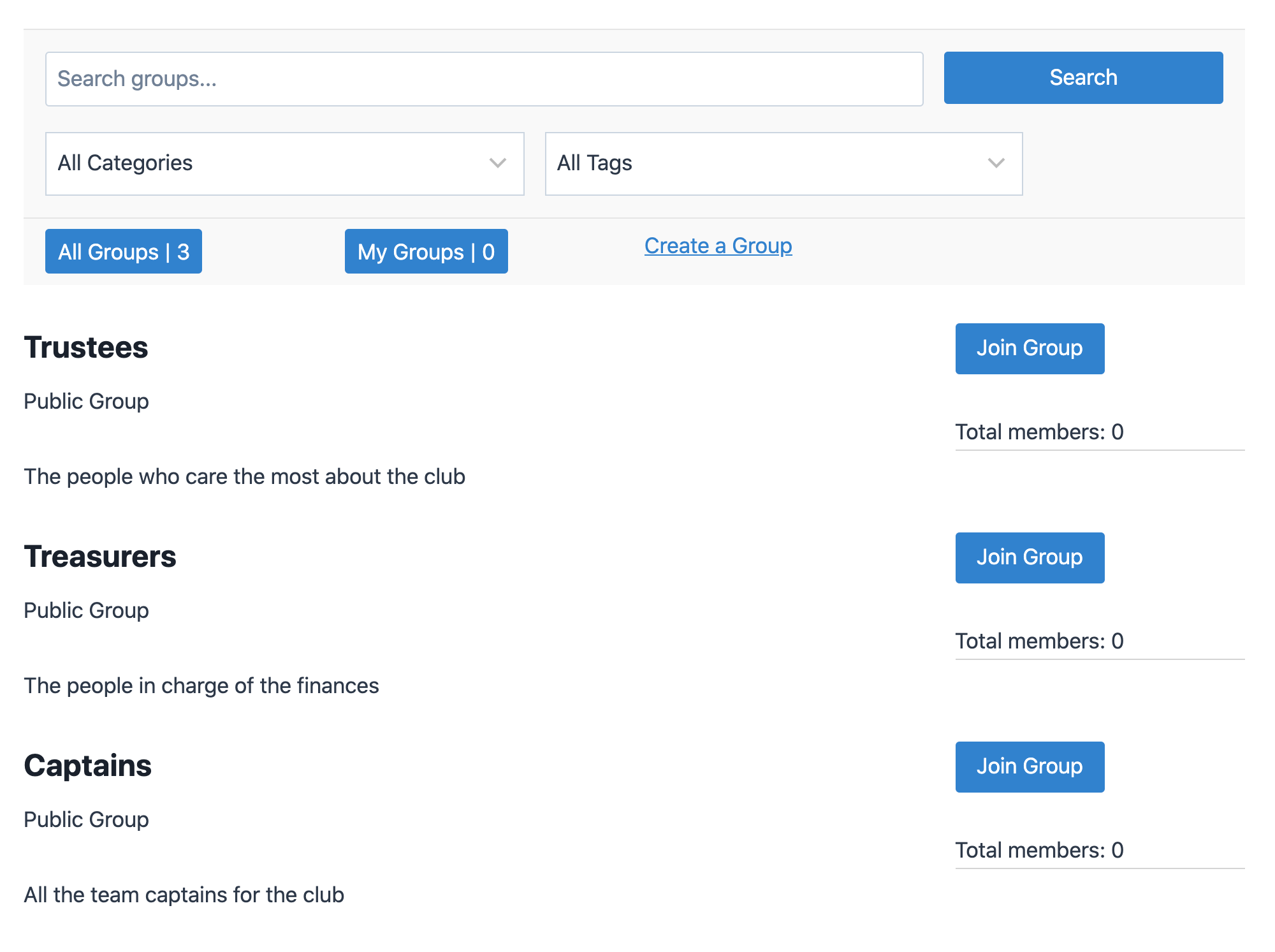
Display all your public and private groups in a directory, with search, category and tag filters, and a My Groups view for logged-in members. Set how many groups show per page.
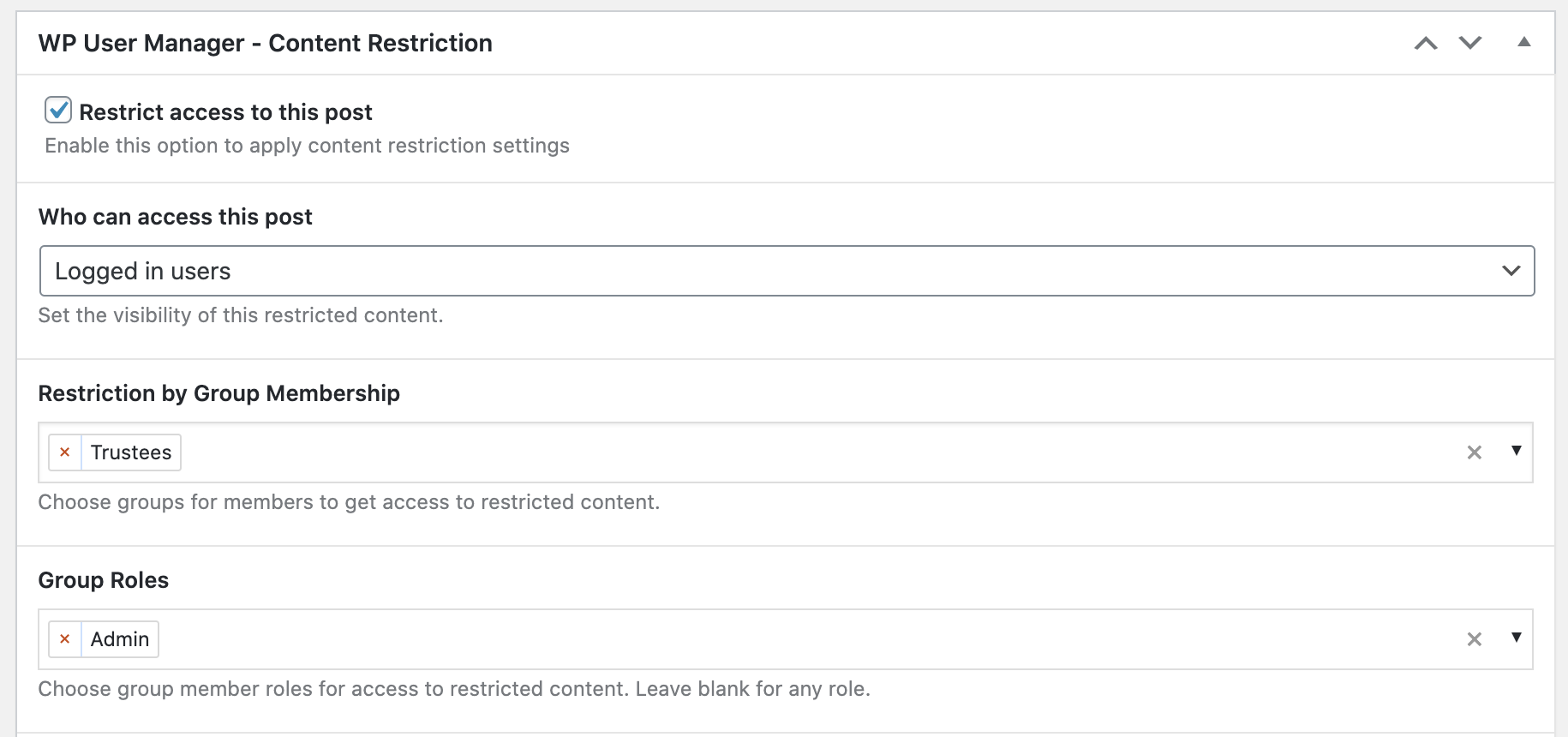
Restrict posts, pages and custom post types to members of specific groups, or to members with a specific group role. You can also show part of a page to group members only with a shortcode.
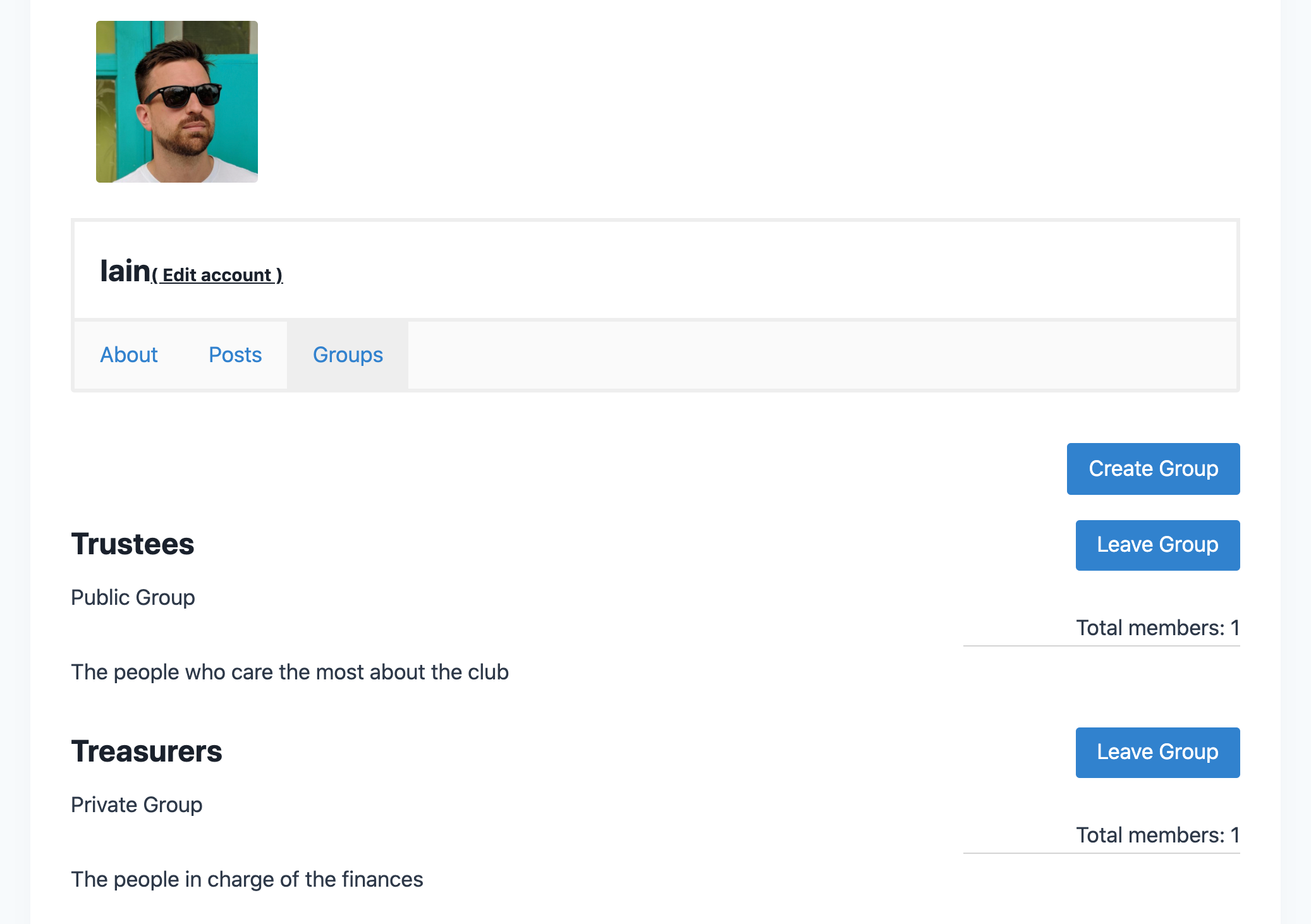
The groups a user is a member of appear on their profile in a new tab
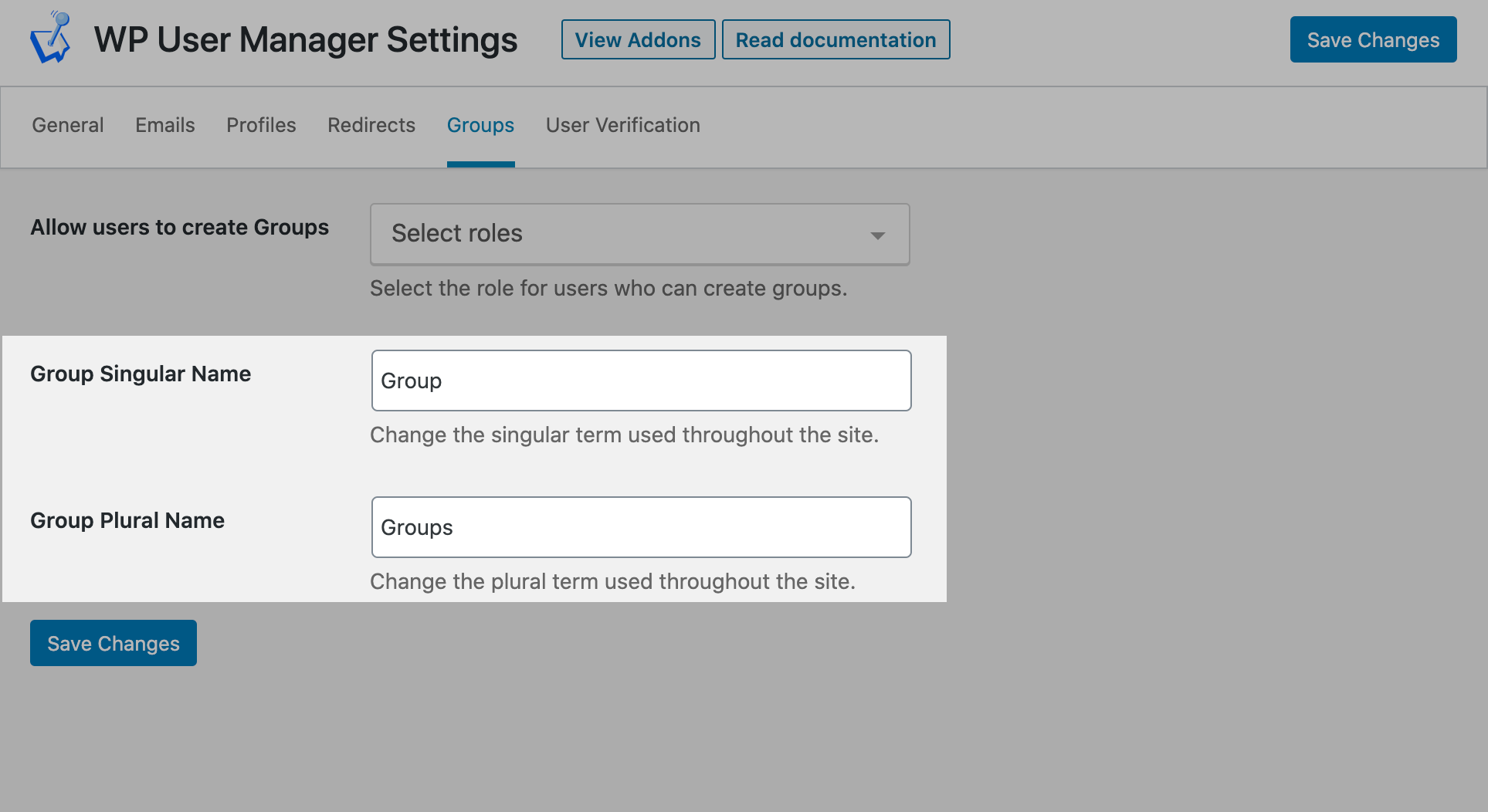
Change the name 'Group' to something more suitable for you site.
The Groups addon is available as part of the the Agency & Pro bundles addon bundle.
Get the Black Friday price before everyone else. We’ll email you when early access opens in November.
Thorough and detailed documentation to get you up and running using the Groups addon.